Advanced Bates Numbering: Conditional Stamping & Complex Workflows
Move beyond basic Bates numbering to master advanced techniques. Learn conditional stamping, complex formatting, multi-level numbering, and sophisticated workflows for challenging litigation scenarios.
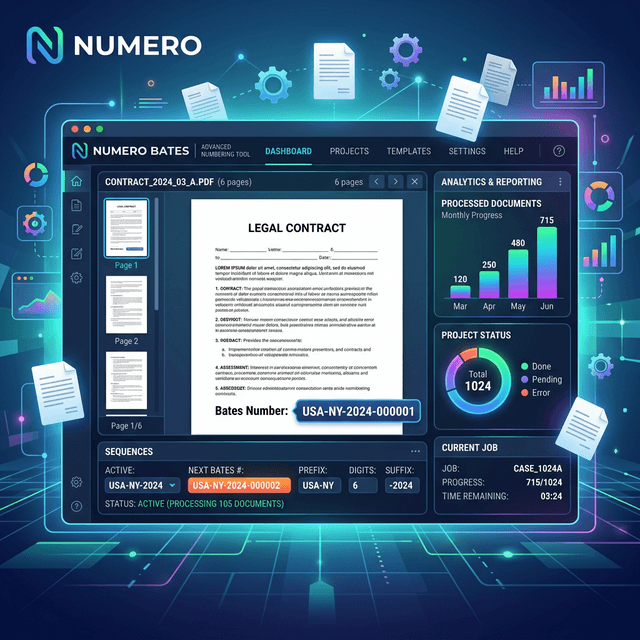
Beyond Basic Bates Numbering
While basic Bates numbering—sequential numbers on every page—serves most needs, complex litigation sometimes requires advanced techniques. These approaches handle special scenarios like confidential designations, multi-party productions, conditional stamping, and sophisticated document organization.
When advanced techniques are needed:
- Multi-party litigation: Complex cases with numerous parties and productions
- Confidentiality levels: Documents with varying confidentiality designations
- Conditional stamping: Different stamps based on document characteristics
- Multi-level numbering: Hierarchical document organization
- Automated workflows: High-volume productions requiring automation
- Special formatting: Non-standard stamp requirements
Complexity Warning
Advanced techniques add complexity. Use them only when necessary—simple approaches are usually better. Complex numbering systems can confuse users and create errors. Start simple and add complexity only when requirements demand it.
Conditional Stamping
Confidentiality-Based Stamping
Apply different stamps based on confidentiality level:
Public documents:
BATES000001-PUB

Confidential documents:
BATES000001-CONF

Highly Confidential:
BATES000001-HC

Attorney Eyes Only:
BATES000001-AEO
Implementation approaches:
- Separate batches: Process each confidentiality level separately
- Metadata-driven: Use document metadata to determine designation
- Folder-based: Organize by confidentiality level before processing
- Manual review: Review and designate each document individually
Document Type Conditional Stamping
Apply different formats based on document type:
Emails: EMAIL-000001
Contracts: CNTR-000001
Invoices: INV-000001
Correspondence: CORR-000001
Benefits:
- Immediate document type identification
- Easier searching and filtering
- Supports automated document classification
- Professional organization
Party-Based Conditional Stamping
In multi-party litigation, identify producing party:
Plaintiff production: PLF-000001
Defendant 1 production: DEF1-000001
Defendant 2 production: DEF2-000001
Third party production: TP-ACME-000001
Page-Level Conditional Stamping
Apply different stamps to different pages within a document:
- Cover pages: Different format or no stamp
- Attachments: Indicate attachment status
- Exhibits: Add exhibit designation
- Redacted pages: Indicate redaction
Multi-Level Numbering Systems
Document-Page Numbering
Combine document numbers with page numbers:
Document 1, Page 1: DOC001-P001
Document 1, Page 2: DOC001-P002
Document 2, Page 1: DOC002-P001

Benefits:
- Clear document boundaries
- Easy page reference within documents
- Supports document-level operations
Hierarchical Numbering
Create hierarchical organization:
Section 1, Document 1, Page 1: S1-D001-P001
Section 1, Document 2, Page 1: S1-D002-P001
Section 2, Document 1, Page 1: S2-D001-P001

Use cases:
- Organized by case phase
- Grouped by custodian
- Categorized by document type
Attachment Numbering
Handle documents with attachments:
Main document: BATES000001-000005
Attachment 1: BATES000001-ATT1-001
Attachment 2: BATES000001-ATT2-001

Or continuous:
Main document: BATES000001-000005
Attachment 1: BATES000006-000010
Attachment 2: BATES000011-000015
Version Numbering
Track document versions:
Original: BATES000001-V1
Revised: BATES000001-V2
Final: BATES000001-V3

Or separate ranges:
Draft versions: DRAFT-000001
Final versions: FINAL-000001
Advanced Formatting Techniques
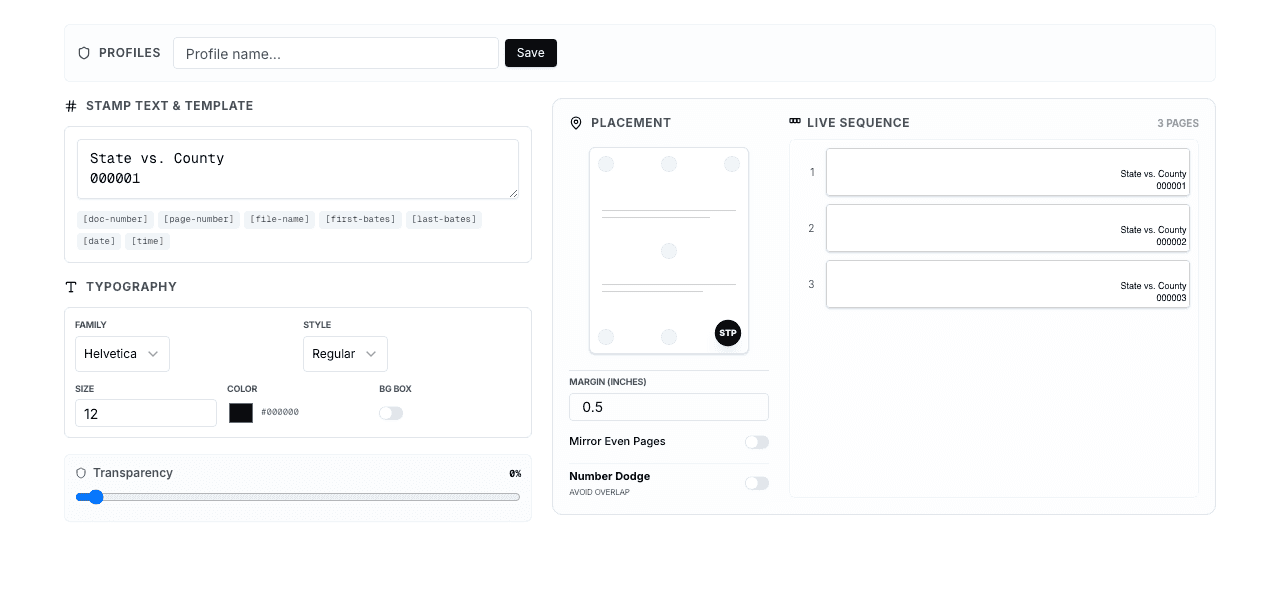
Multi-Line Stamps
Include multiple pieces of information:
Line 1: SMITHVJONES
Line 2: PLF-000001
Line 3: CONFIDENTIAL

Or:
Line 1: BATES000001
Line 2: 01/15/2024
Line 3: SMITH
Use cases:
- Case identification + Bates number + confidentiality
- Bates number + date + custodian
- Party + document type + number
Position Variations
Place stamps in multiple locations:
- Header and footer: Bates number in both locations
- Multiple corners: Redundant placement for security
- Margin stamps: Vertical text in margins
- Watermarks: Background stamps across page
Dynamic Content
Include dynamic information in stamps:
- Date stamps: Production date or document date
- Page counts: "Page 1 of 5" format
- Metadata: Author, creation date, file name
- Calculated values: Derived from document properties
Color-Coded Stamps
Use colors to convey information:
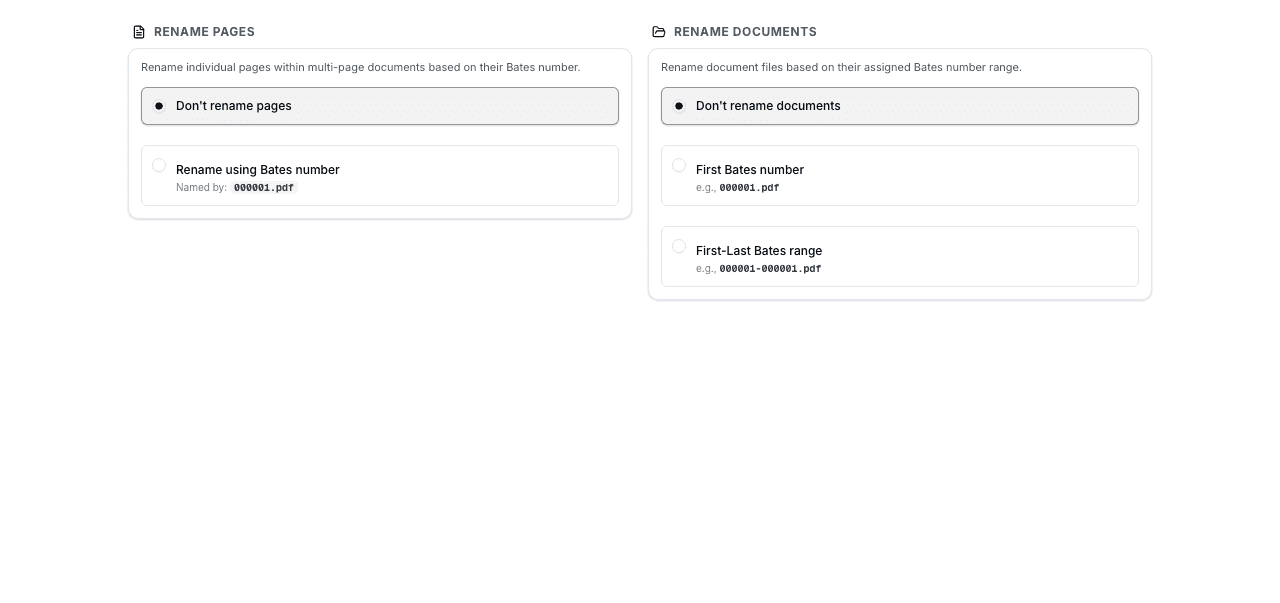
- Red: Highly confidential or privileged
- Blue: Standard confidential
- Black: Public or non-confidential
- Green: Approved for production
Caution: Color-coding can cause issues with black-and-white printing. Use text designations as primary method.
Automated Workflows
Metadata-Driven Automation
Use document metadata to automate stamping decisions:
Metadata sources:
- File properties: Creation date, author, file name
- PDF metadata: Title, subject, keywords
- External databases: Document management system data
- Spreadsheet mapping: CSV/Excel with document attributes
Automation examples:
- Automatically assign confidentiality based on author
- Set document type based on file name patterns
- Determine party based on folder location
- Apply date stamps from file creation date
Rule-Based Processing
Define rules for automated stamping:
IF filename contains "email" THEN
  prefix = "EMAIL"
ELSE IF filename contains "contract" THEN
  prefix = "CNTR"
ELSE
  prefix = "DOC"

IF folder = "Confidential" THEN
  suffix = "CONF"
ELSE
  suffix = "PUB"
Batch Processing with Variations
Process multiple batches with different settings:
- Define batches: Group documents by characteristics
- Configure settings: Set format for each batch
- Process sequentially: Maintain number continuity across batches
- Merge outputs: Combine into single production
Integration with Document Review Platforms
Connect Bates numbering with review platforms:
- Export from review platform: With coding and metadata
- Apply Bates numbers: Based on platform data
- Re-import: Load Bates-numbered documents back
- Update database: Record Bates numbers in platform
Complex Scenario Solutions
Scenario: Multi-Party Class Action
Challenge: 50+ plaintiffs, 10+ defendants, thousands of documents
Solution:
Format: [CASE]-[PARTY-TYPE]-[PARTY-ID]-[NUMBER]

Examples:
CLASSACTION-PLF-001-000001 (Plaintiff 1)
CLASSACTION-PLF-002-000001 (Plaintiff 2)
CLASSACTION-DEF-001-000001 (Defendant 1)

Benefits:
- Clear party identification
- Scalable to many parties
- Maintains organization
Scenario: Rolling Productions
Challenge: Multiple productions over time, need continuity
Solution:
- Track ending number of each production
- Start next production with subsequent number
- Add production identifier: BATES000001-P1, BATES000500-P2
- Maintain master index across all productions
Scenario: Privileged Document Placeholders
Challenge: Maintain number continuity while withholding privileged documents
Solution:
- Assign Bates numbers to privileged documents
- Create placeholder pages: "BATES000050 - WITHHELD AS PRIVILEGED"
- Include in privilege log with Bates number
- Maintain sequential numbering throughout production
Scenario: Redacted and Unredacted Versions
Challenge: Produce both redacted and unredacted versions
Solution:
Unredacted (for court): BATES000001
Redacted (for public): BATES000001-R

Or separate ranges:
Unredacted: BATES-U-000001
Redacted: BATES-R-000001
Best Practices for Advanced Techniques
Essential Guidelines
- Document everything: Write detailed procedures for complex numbering systems
- Test thoroughly: Process sample documents before full production
- Maintain consistency: Use same approach throughout a matter
- Create detailed indices: Complex numbering requires comprehensive documentation
- Train users: Ensure everyone understands the numbering system
- Keep it simple: Use advanced techniques only when necessary
- Quality control: Extra verification for complex systems
- Backup plans: Have fallback procedures if automation fails
Frequently Asked Questions
When should I use advanced Bates numbering techniques?
Use advanced techniques only when basic sequential numbering is insufficient: multi-party litigation, varying confidentiality levels, complex document organization, or automated high-volume workflows. Start simple and add complexity only when requirements demand it.
How do I implement conditional stamping?
Organize documents by condition (confidentiality level, document type, party) before processing. Process each group separately with appropriate settings, or use metadata-driven automation if your tool supports it. Maintain sequential numbering across all groups.
What's the best approach for multi-party litigation?
Use format: [CASE]-[PARTY-ID]-[NUMBER]. Example: CASE-PLF1-000001, CASE-DEF1-000001. This clearly identifies which party produced each document while maintaining organization. Document your party identification scheme in your production index.
How do I handle documents with attachments?
Either use continuous numbering (main document and attachments numbered sequentially) or attachment-specific numbering (BATES000001-ATT1-001). Continuous numbering is simpler; attachment-specific numbering provides clearer document structure. Choose based on your needs.
Can I automate Bates numbering based on metadata?
Yes, with appropriate tools or scripting. Extract metadata (file properties, PDF metadata, external databases), define rules for stamping decisions, and apply stamps based on metadata values. This works well for high-volume productions with consistent metadata.
How do I maintain number continuity across multiple productions?
Track the ending number of each production carefully. Start the next production with the subsequent number. Consider adding production identifiers (P1, P2) to distinguish productions. Maintain a master index documenting all productions and number ranges.
What's the risk of overly complex numbering systems?
Complex systems increase error risk, confuse users, complicate citation, and make quality control harder. They also require extensive documentation and training. Use complexity only when benefits clearly outweigh these costs. Simple is usually better.
How do I document advanced numbering systems?
Create detailed written procedures explaining the numbering scheme, provide examples of each format variation, document decision rules for conditional stamping, maintain comprehensive indices, and train all users on the system. Good documentation prevents errors and confusion.
Conclusion
Advanced Bates numbering techniques provide powerful tools for complex litigation scenarios. Conditional stamping, multi-level numbering, sophisticated formatting, and automated workflows enable handling of challenging document productions that basic sequential numbering cannot address.
However, complexity comes with costs: increased error risk, user confusion, and maintenance burden. Use advanced techniques judiciously—only when requirements truly demand them. Start with simple approaches and add complexity incrementally as needed.
When advanced techniques are necessary, invest in thorough documentation, comprehensive testing, and user training. A well-implemented advanced numbering system can handle the most complex litigation efficiently, while a poorly implemented one creates more problems than it solves.
Start with Professional Bates Numbering
Master the basics with BatesFast before moving to advanced techniques. Professional results start with solid fundamentals. Start with one free preview run, then $299 one-time purchase.
Try BatesFast Now